Office files for your AI agents, over MCP
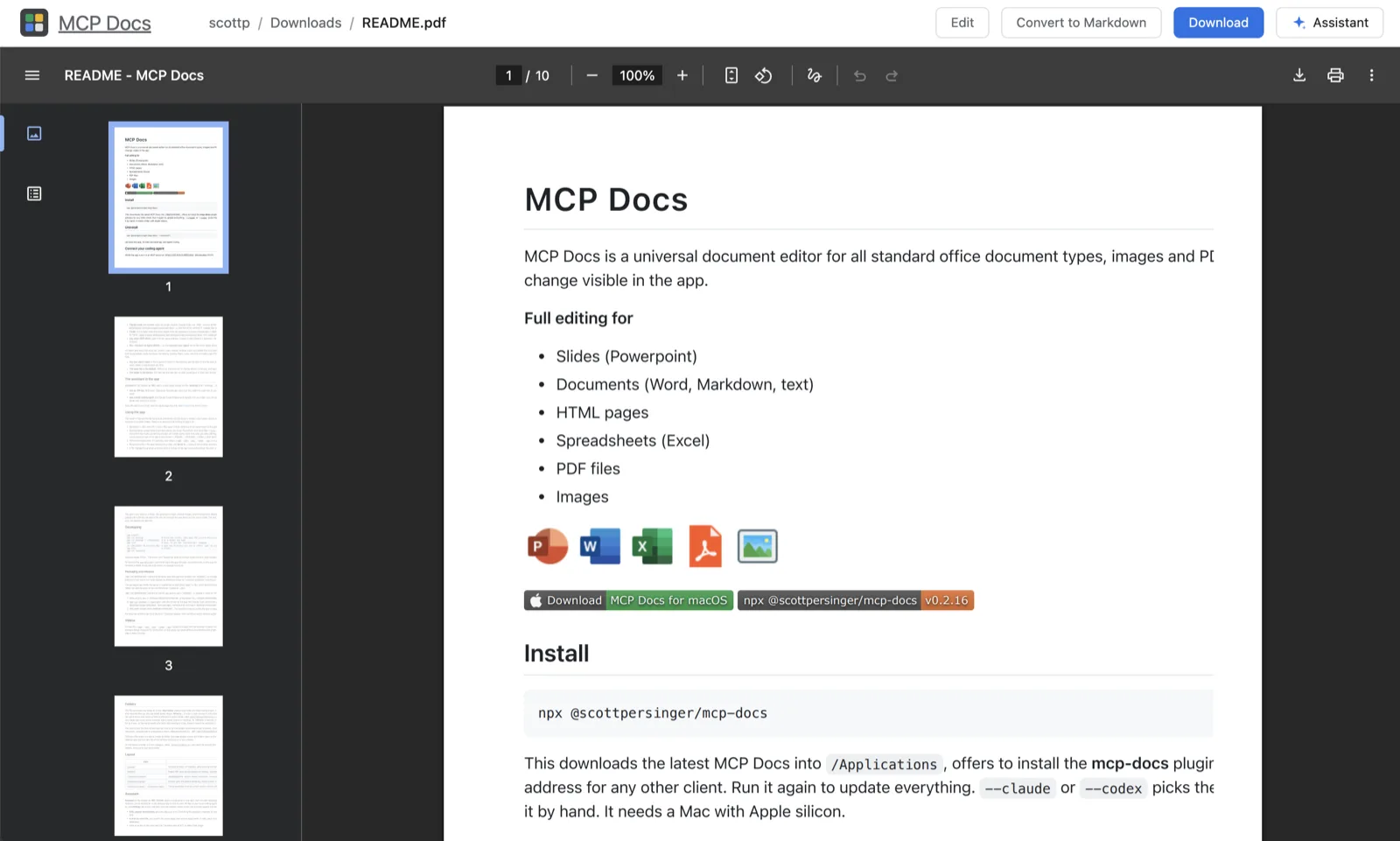
Coding agents are good at text and bad at Office files. MCP Docs gives them real tools for Word, Excel and PowerPoint files, PDFs, Markdown and pictures, through the Model Context Protocol (MCP), and shows you each file in the app as the agent changes it.
Connect your agent
Install the desktop app and add it to Claude Code and Codex in one step:
npx @freeflow-im/mcp-docs
The installer asks which agents to add it to and prints the server's address for any other MCP client, such as Cursor. The app is the MCP server: it runs on your machine, on the folder open in its window, and you allow each agent that connects.
For the web version (beta), connect any client that supports remote MCP servers with OAuth:
claude mcp add --transport http universal-docs https://mcpdocs.freeflow.im/mcp/v2
What your agent can do
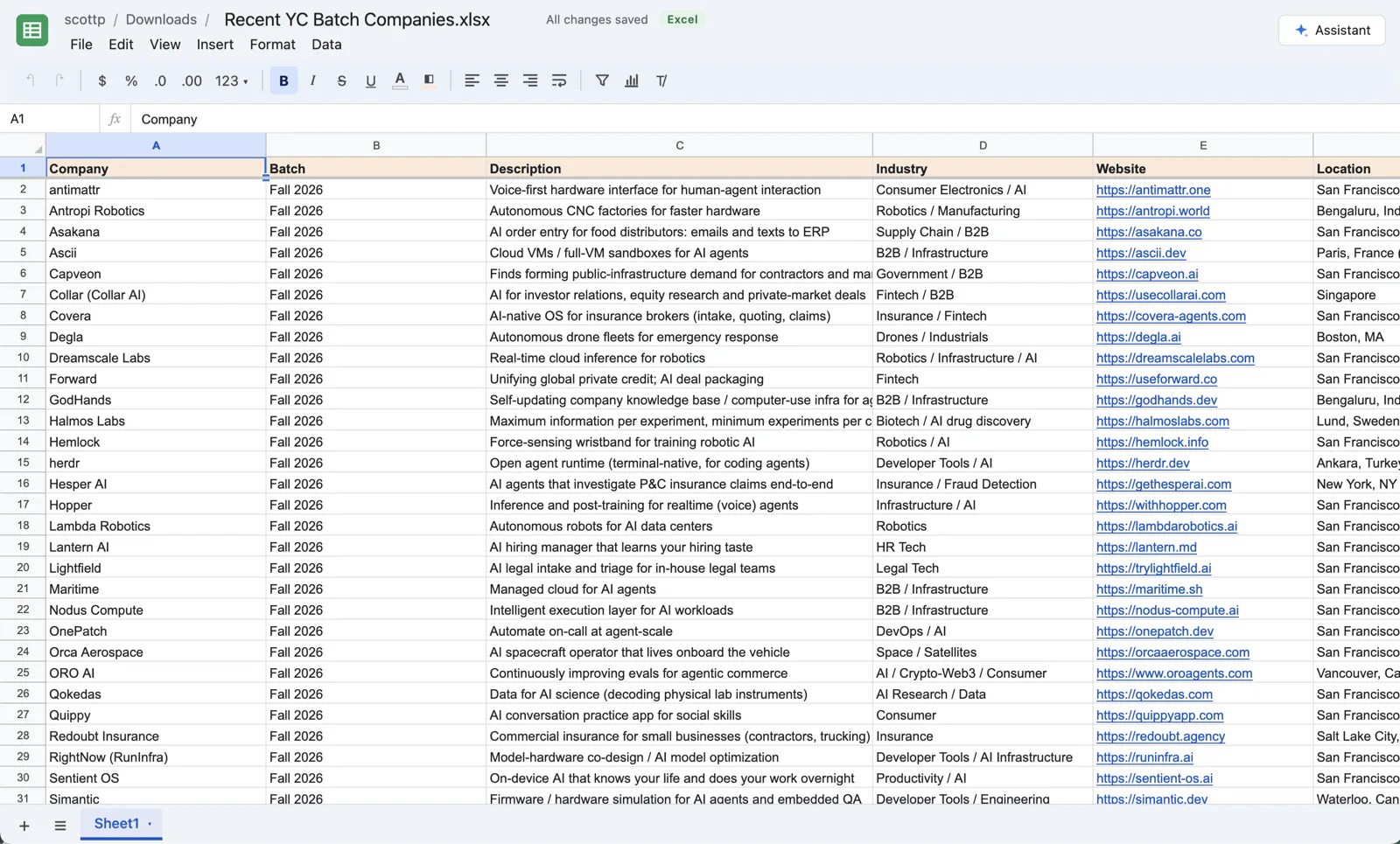
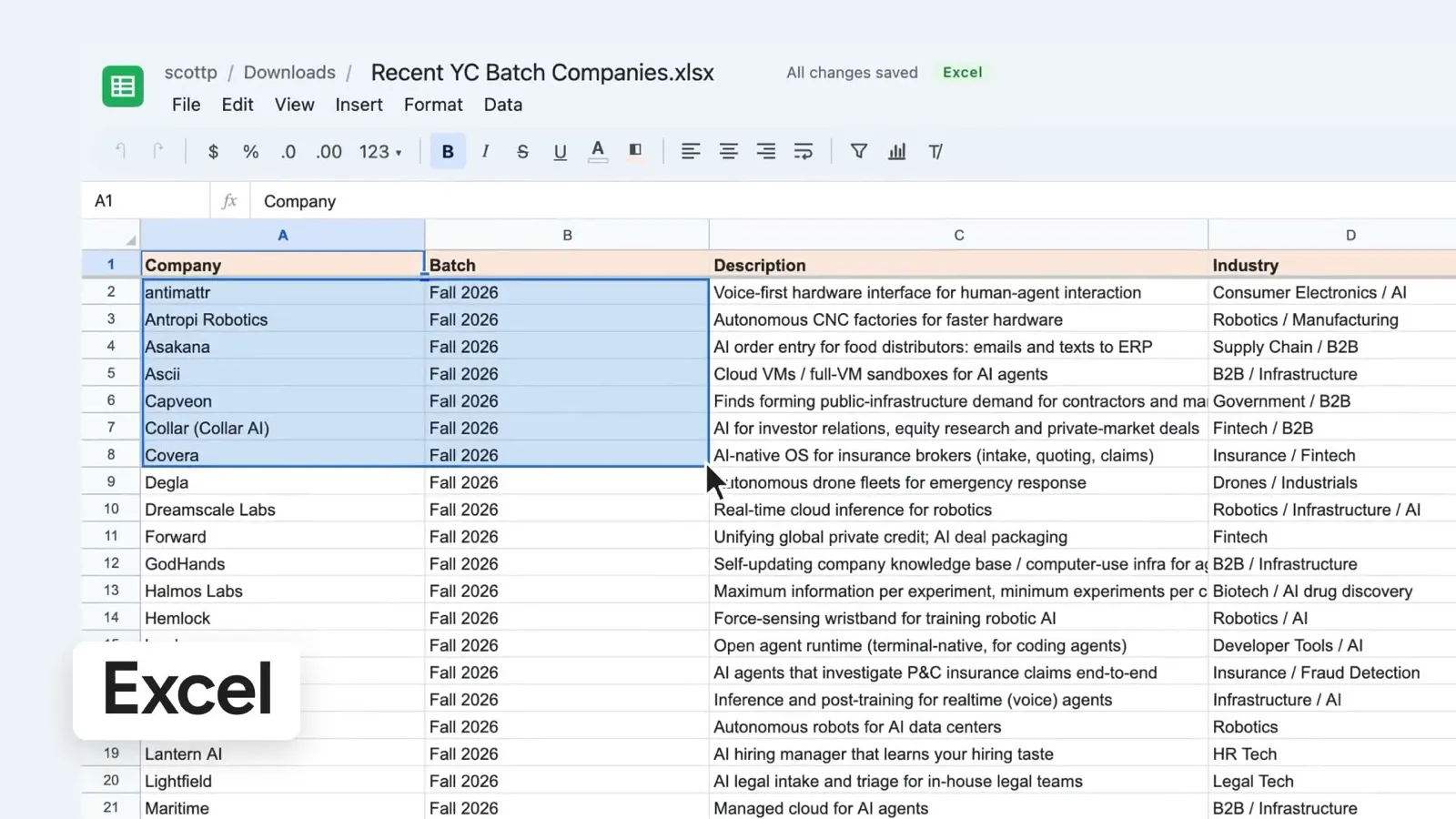
- Spreadsheets: read and write ranges, formulas included, sort, filter, format, freeze panes, manage tabs, and add and edit charts.
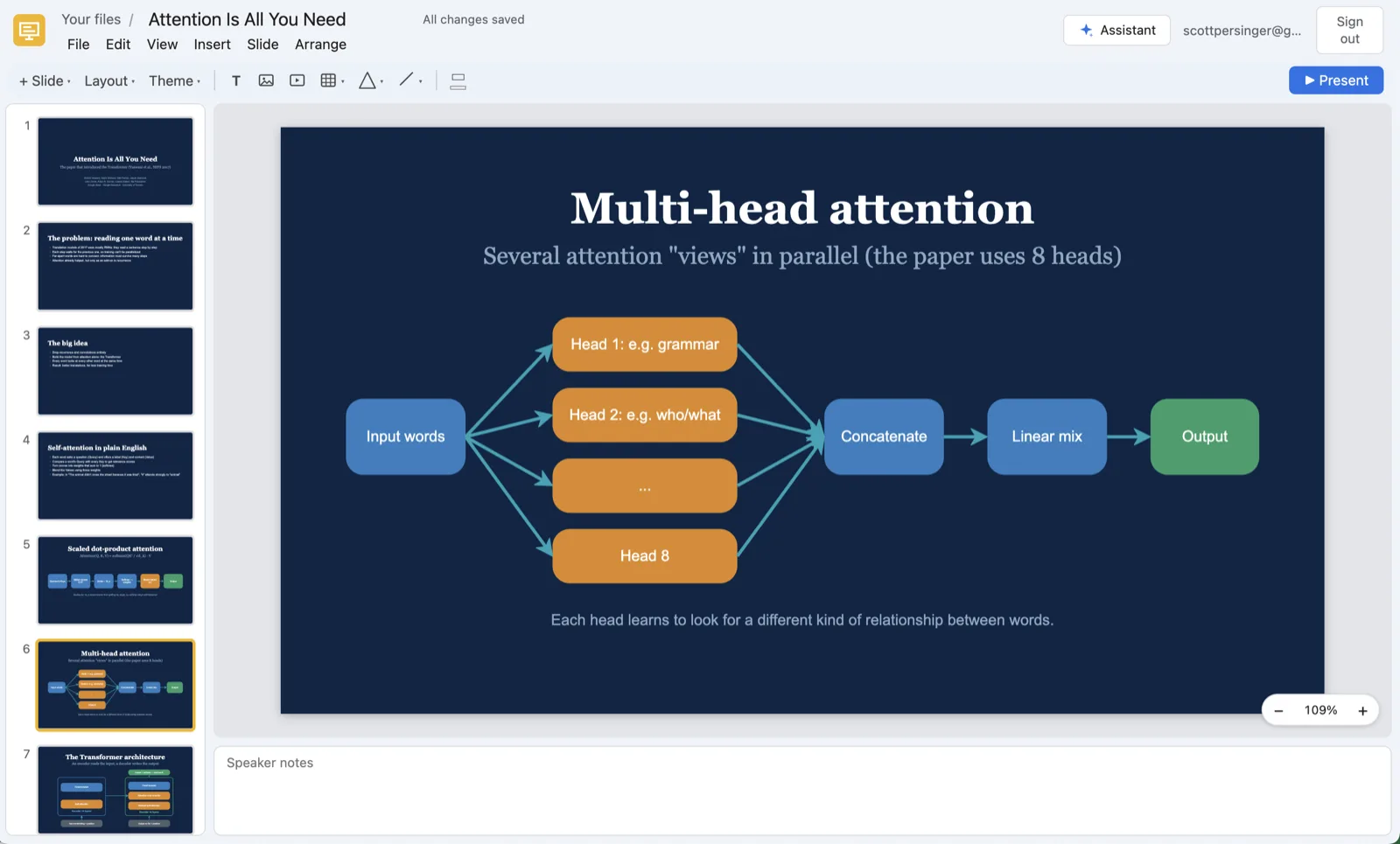
- Presentations: read a deck, add, change, move and delete slides, edit elements, set the theme, and look at a picture of a slide to check its own work.
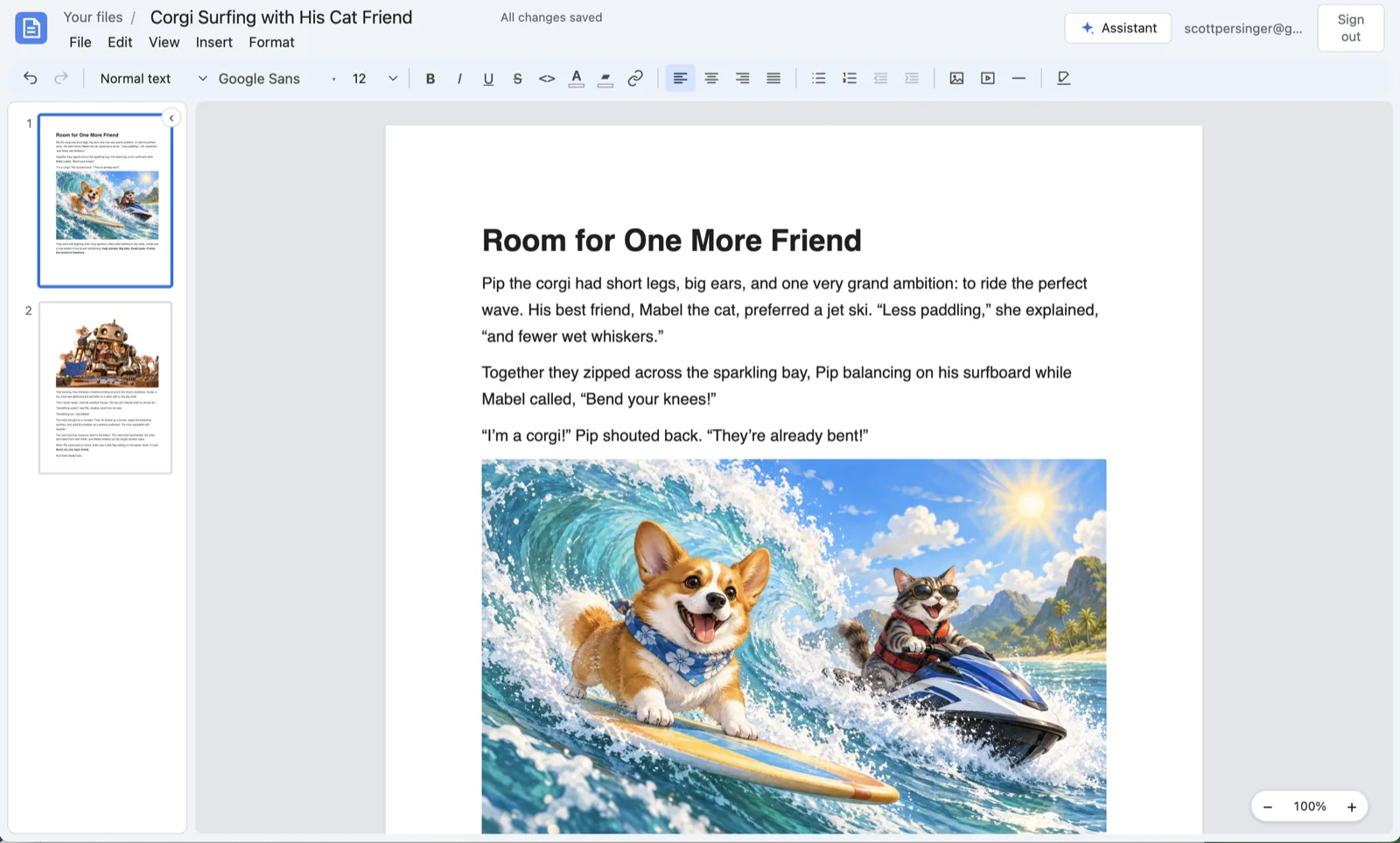
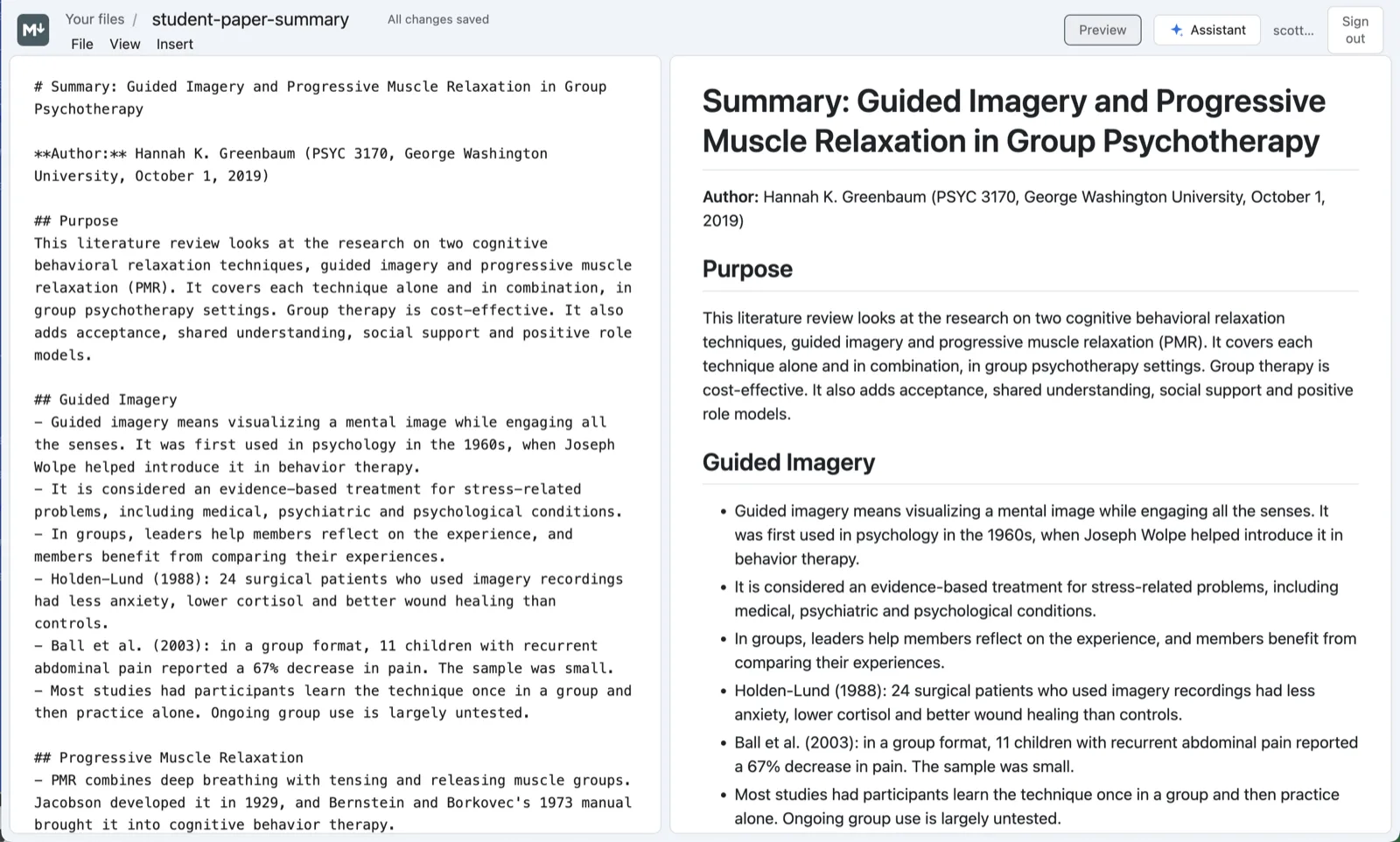
- Documents and Markdown: read them as numbered blocks, then insert, replace and delete blocks, replace text and format it.
- PDFs: read the text of any PDF, and convert it to a Markdown file, scanned pages included.
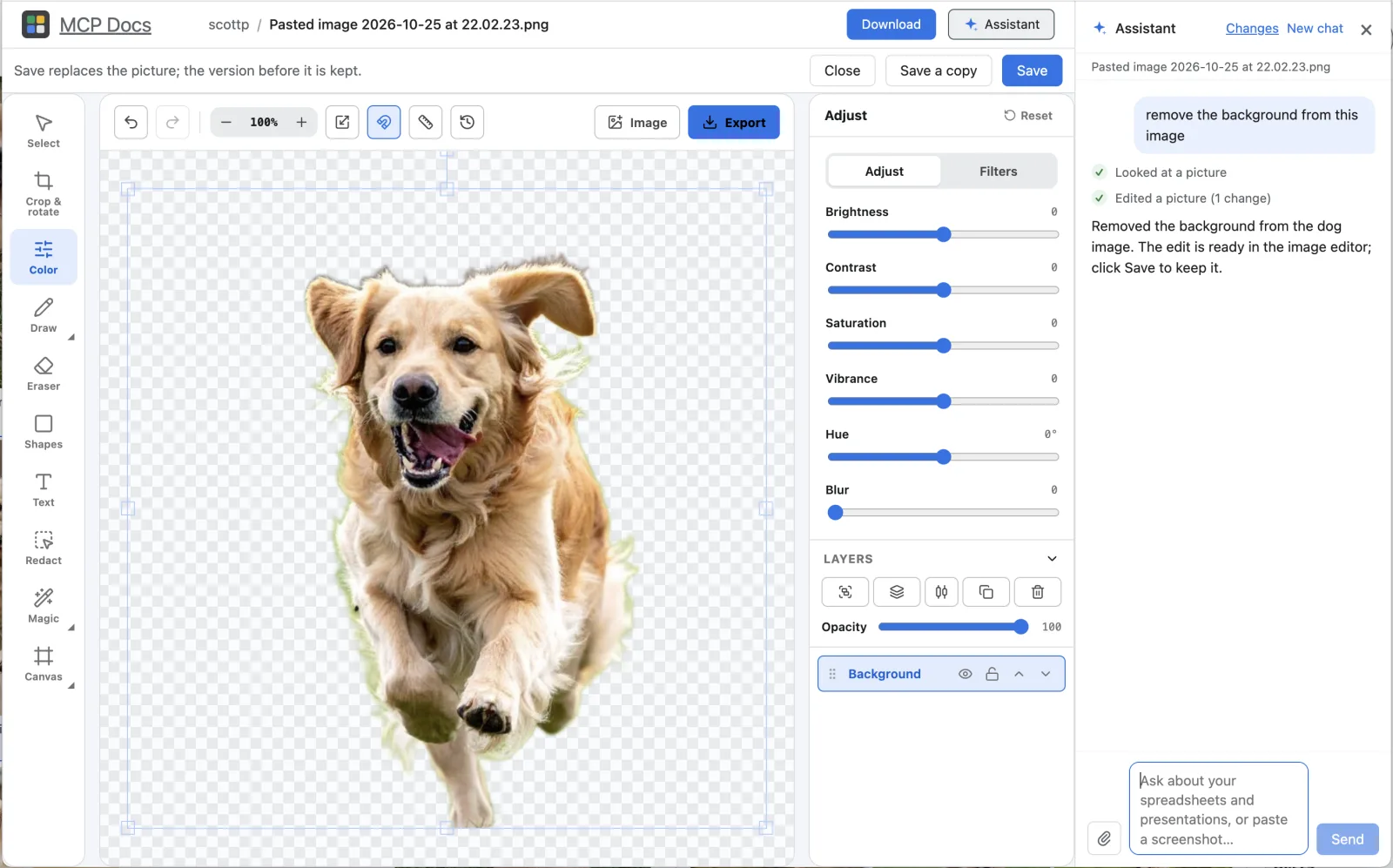
- Pictures: look at a picture, crop, resize and adjust it, add text and layers, and remove its background.
- Files: list, open, create, rename, move and import files and folders, and open any file by its path.
Watch it work
Every file the agent opens or creates is shown in the app, and its edits to the open file happen in the window: you see each change as it is made, and you can undo it like your own. Changes that delete data ask you first. When you have the file open and the agent changes it on disk some other way, the app reloads it.
The built-in assistant
Every file also has an assistant beside it in the app. It uses the same tools, on Claude or on your own Anthropic, OpenAI or OpenRouter key, and in the desktop app it can run on the Claude Code you already have, with no key at all.
Frequently asked questions
Which agents work with MCP Docs?
Any MCP client: Claude Code and Codex (the installer adds it to both), Cursor, Claude Desktop and others. Agents that connect to the desktop app sign in with OAuth, and you allow each one in the app.
Do my files leave my computer?
Not with the desktop app. Its MCP server runs on your machine and works on the files in your folder. Only what you send to an AI model goes to that model's provider.
Does it keep my files in their formats?
Yes. In the desktop app a Word file stays a .docx, an Excel file an .xlsx and a PowerPoint file a .pptx, so they still open everywhere else.
Is it free?
Yes. MCP Docs is free and open source, for Macs with Apple silicon and 64-bit Windows, and in beta on the web.