PDFs your AI agents can read
MCP Docs opens PDFs beside your other files, lets you sign them, and turns them into Markdown, the format AI agents read best. Scanned pages included: they are read with OCR.
What you can do
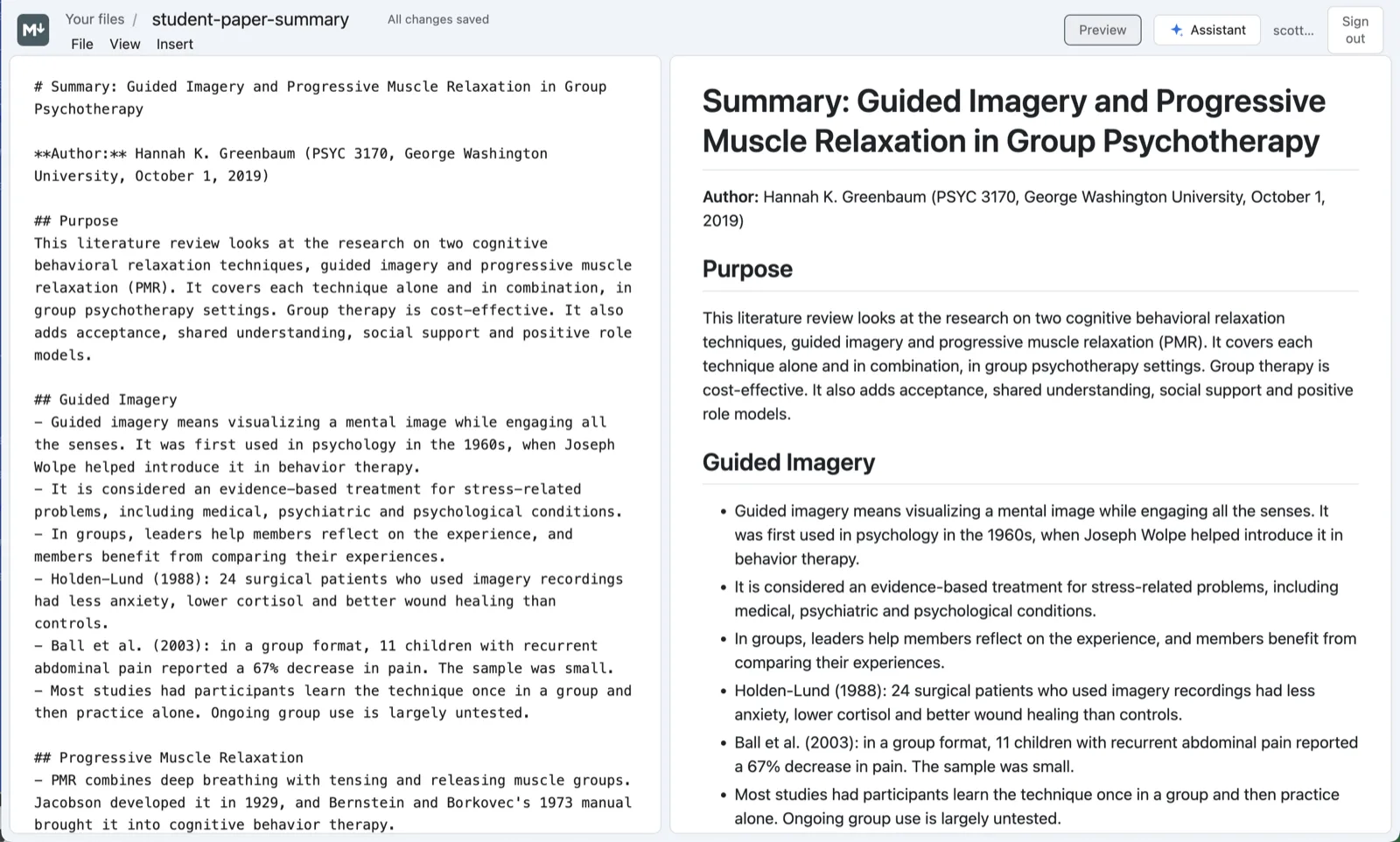
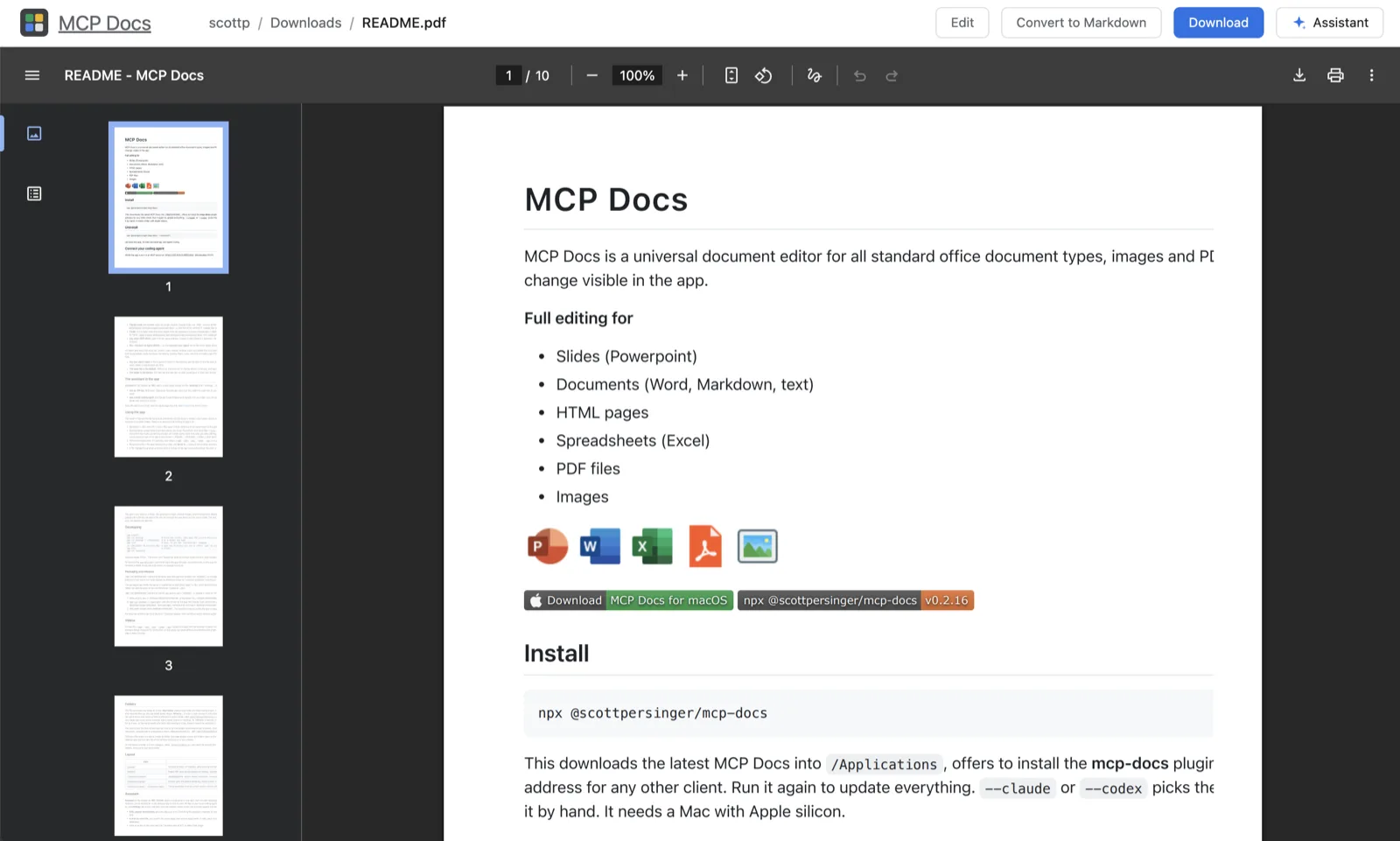
- Convert a PDF to Markdown. One click makes a Markdown file beside the PDF, with its headings, paragraphs, lists and tables. Pages that are scans or photos are read with OCR (Tesseract), and the rest with the PDF's own text and layout (PDFium).
- Sign a PDF. Draw your signature, type it or upload a picture of it, then place it on the page with lines of text and dates. Save over the PDF, or save a signed copy beside it. Your signatures are kept for next time.
- Make PDFs. Download any document, presentation, Markdown file or saved web page as a PDF.
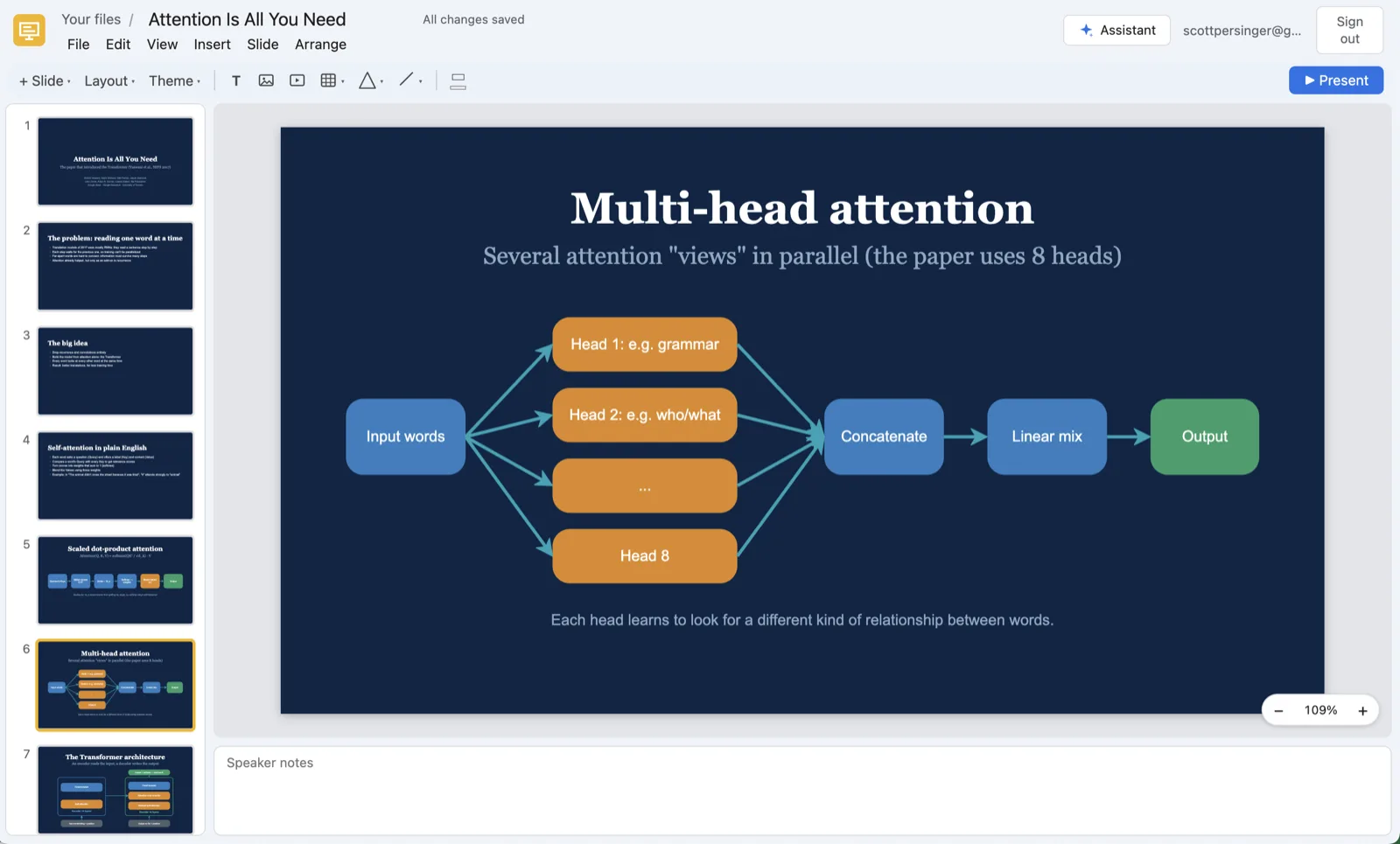
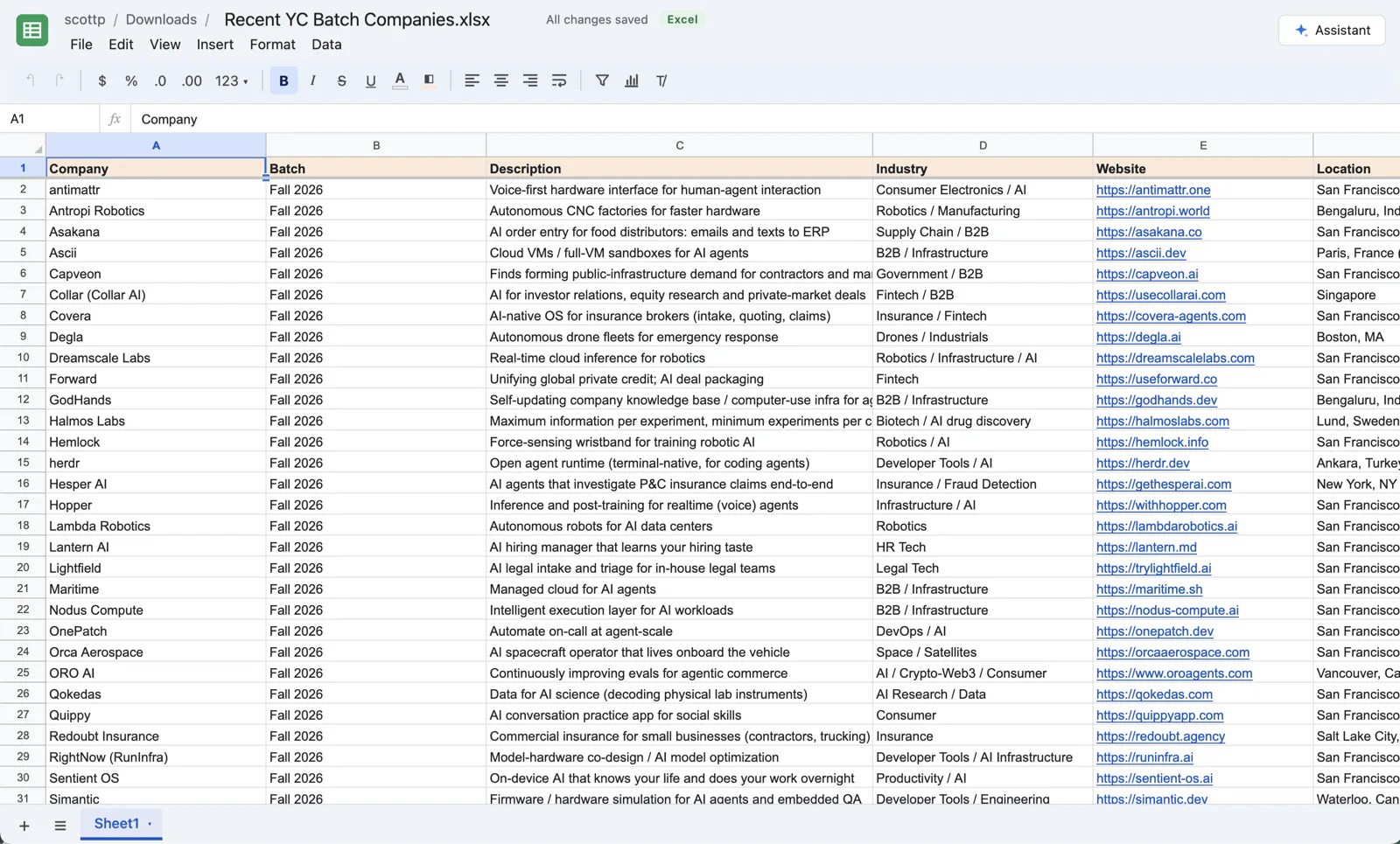
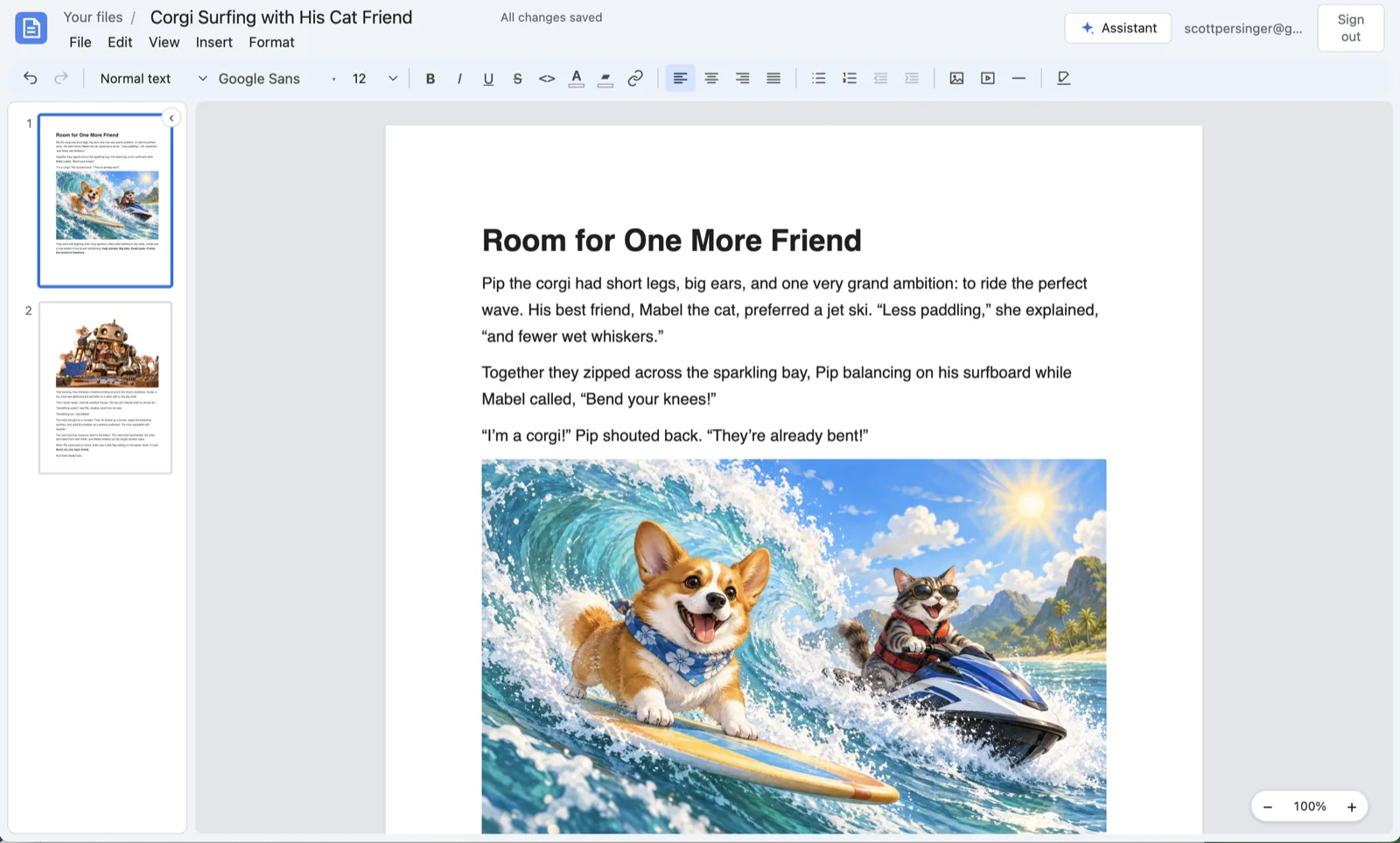
- Keep everything in one place. PDFs sit in the same folders as your Word, Excel and PowerPoint files, and Find a file (⌘P) finds them by name.
Let your agent read the PDF
An AI agent works much better from Markdown than from a PDF. In MCP Docs the agent does not need to convert anything itself:
- The built-in assistant reads a PDF's text when you ask about it: "Summarize this contract", "List every date in this report".
- It can convert a PDF to a Markdown file and then edit that file with you.
- Over MCP, Claude Code, Codex or any other client can call
convert_pdf_to_markdownon a PDF in your folder and work from the result.
Install the desktop app and connect it to Claude Code and Codex in one step:
npx @freeflow-im/mcp-docs
Frequently asked questions
Does PDF to Markdown work on scanned documents?
Yes. Pages without text, such as scans and photos of paper, are read with OCR. Pages that have text use it directly, which is faster and exact.
Are pictures in the PDF kept in the Markdown?
Not yet. The Markdown has the text, headings, lists and tables; the pictures stay in the PDF.
Does my PDF leave my computer?
Not in the desktop app. The conversion runs on your machine, and the file stays in your folder. On the web version the conversion runs on the MCP Docs server.
Can I fill in a PDF form?
You can place your signature, lines of text and dates anywhere on a page, which is enough for most forms you sign. Fillable form fields are not filled in yet.
Is it free?
Yes. MCP Docs is free and open source, for Macs with Apple silicon and 64-bit Windows, and in beta on the web.