A Markdown editor built for working with agents
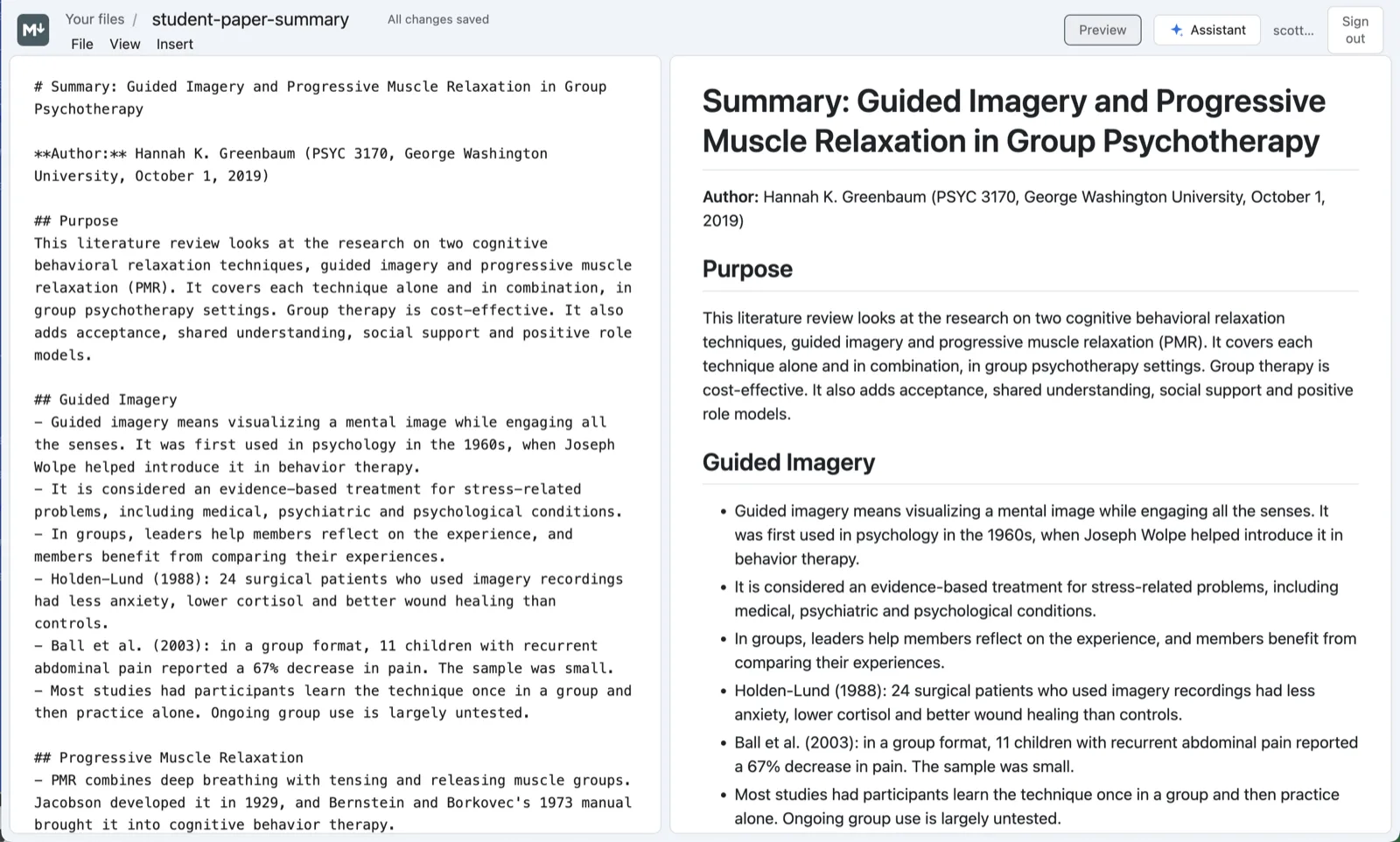
Agents read and write Markdown better than any other format, so MCP Docs makes it a first-class document: the text on one side, a GitHub-flavored preview on the other, and your agent editing the same file while you read along.
What you can do
- Live preview. The formatted page beside the text as you type, in GitHub's style, with a panel you can resize or hide.
- GitHub-flavored Markdown. Tables, task lists, strikethrough, footnotes, code blocks and links, as GitHub shows them.
- Mermaid diagrams. A
mermaidcode block is drawn as its diagram: flowcharts, sequence diagrams, timelines and more. - Plain
.mdfiles. In the desktop app a Markdown file is the file in your folder, nothing more, so git, your code editor and your agents all see the same text. - Scratch pads. One click makes a new Markdown note for the day, for quick notes and for handing text to an agent.
- PDFs to Markdown. Turn any PDF into a Markdown file beside it, then read and edit it here.
Work on Markdown with your agent
Ask the assistant beside the file in plain words:
- "Summarize this paper as a one-page brief with a table of the results."
- "Add a Mermaid sequence diagram of the login flow."
- "Turn these notes into a README with install and usage sections."
The agent reads the file as numbered blocks and edits the ones it means to, each as an undoable step. Because a Markdown file in the desktop app is a plain file in your folder, the agents you already use can work on it directly, and over MCP they can show it to you in the app as they go:
npx @freeflow-im/mcp-docs
Frequently asked questions
Is the file still plain Markdown?
Yes. MCP Docs saves the text exactly as it is, with no extra formatting added. Open it in any other editor and it reads the same.
Does it show the file when another program changes it?
Yes. In the desktop app an open file reloads when another program or an agent changes it on disk, as long as you have no unsaved changes of your own.
Can I turn a Markdown file into a PDF?
Yes. Download any Markdown file as a PDF, laid out as its preview is.
Is it free?
Yes. MCP Docs is free and open source, for Macs with Apple silicon and 64-bit Windows, and in beta on the web.