Excel spreadsheets your AI agent can work in
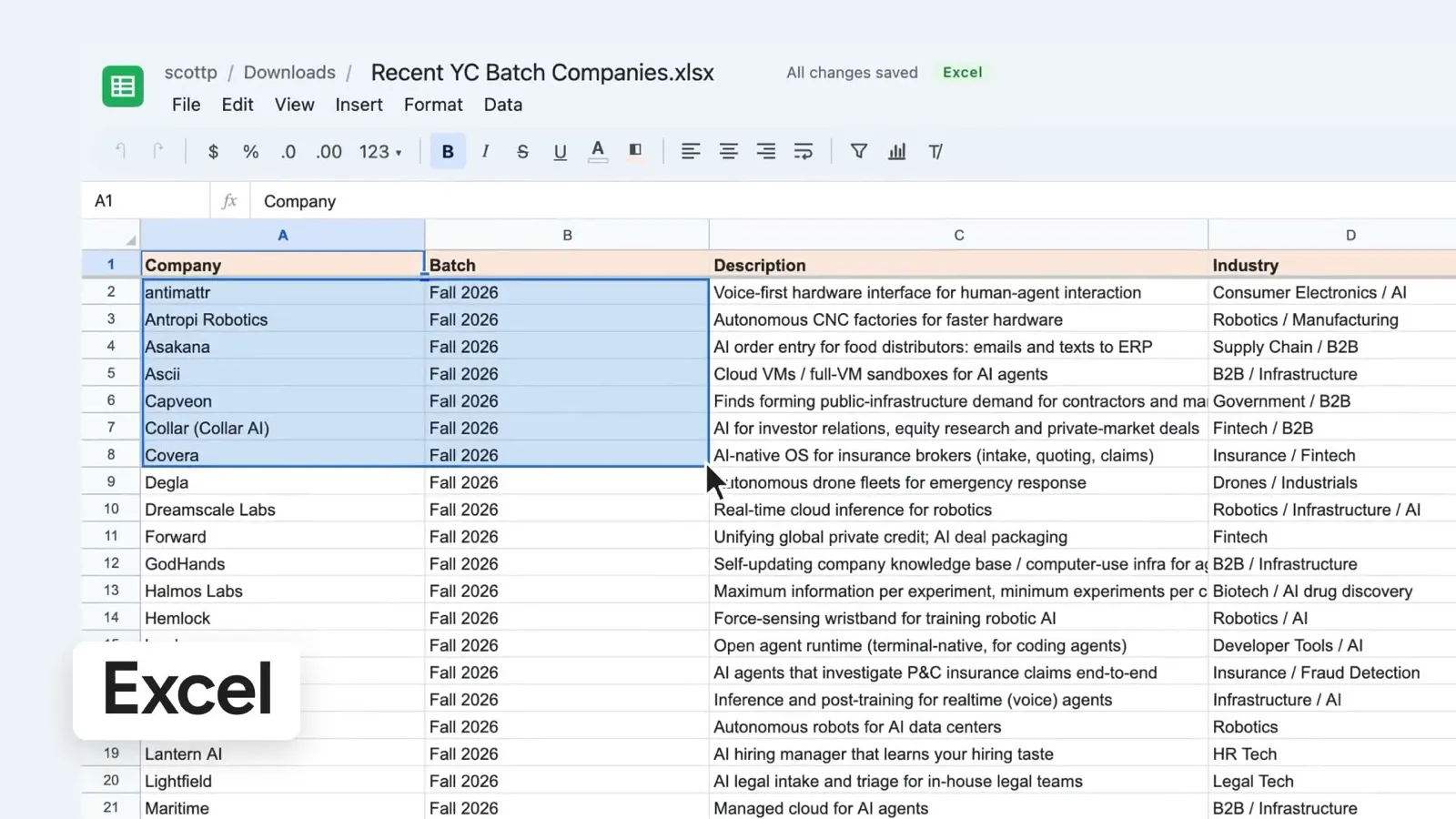
MCP Docs opens Excel and CSV files in a full spreadsheet editor: formulas, filters, sorting, charts and formatting. Your AI agent works in the same grid you do, so you can ask it to clean up a column, fill in missing data or chart the totals, and watch each change happen.
What you can do
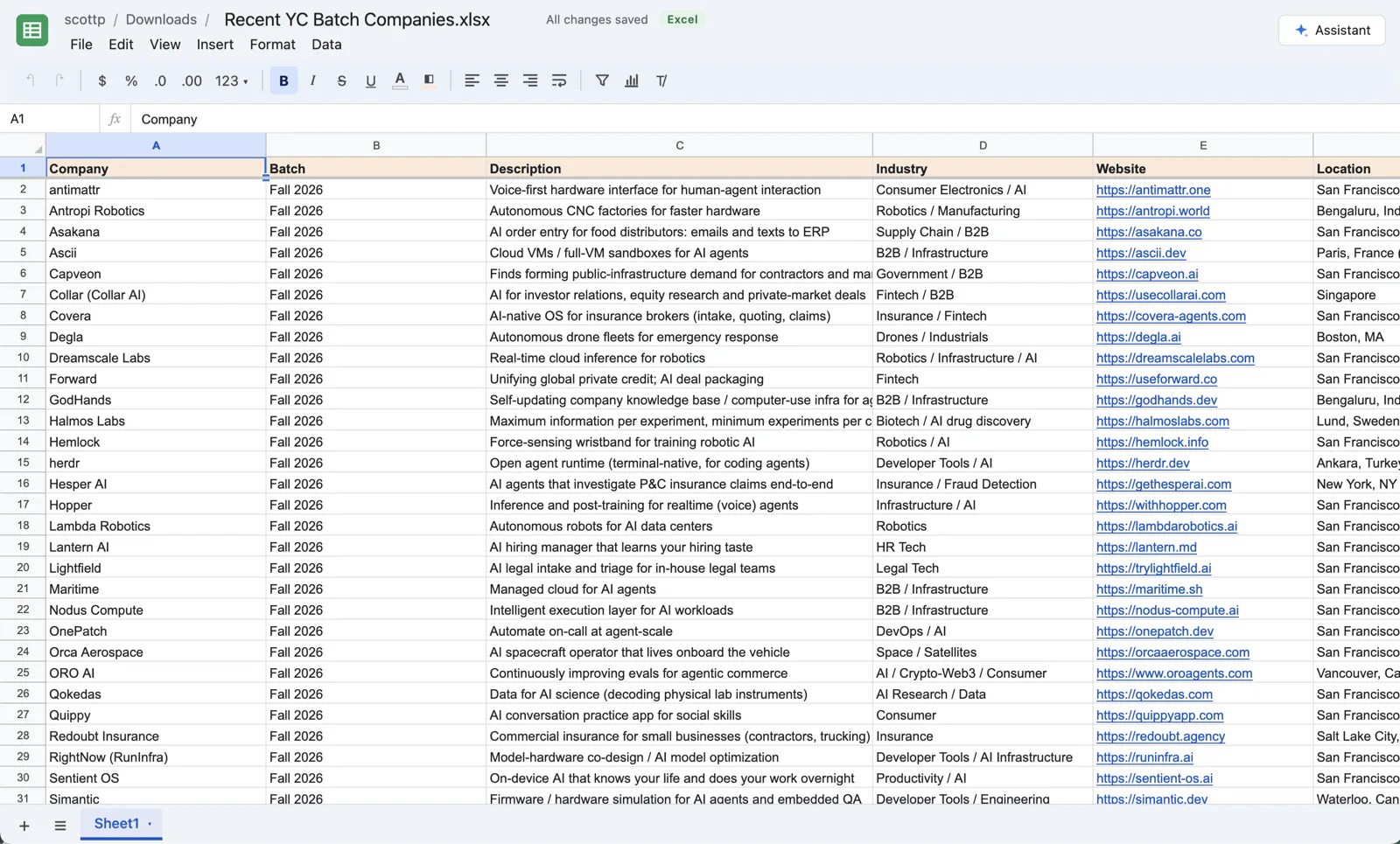
- Open and save Excel files. Cells, formulas, formatting, column widths, frozen rows and charts are read from the
.xlsxfile and written back to it. In the desktop app the file in your folder stays an Excel file; on the web, download it as one at any time. - Formulas. More than a hundred of the functions you know from Excel and Google Sheets, from
SUMandIFtoVLOOKUP,XLOOKUPandSUMIFS, recalculated as you type. - Sort and filter. Sort a range by any column, and filter rows by their values or by a condition.
- Charts. Column, bar, line, area, pie and scatter charts that float over the sheet and follow their data as rows and columns change. Put one on a slide, linked, and the slide keeps up too.
- Formatting. Number formats, bold and italic, text and fill colors, alignment, wrapping, frozen rows and columns, and as many tabs as you need.
- CSV files. Edit CSV files as spreadsheets and save them as CSV. If you add something CSV cannot hold, such as formatting or a second tab, the app offers to make it an Excel file instead.
Work on a spreadsheet with your agent
Ask the assistant beside the sheet in plain words:
- "Sort by location, then by founding year."
- "Split the full name column into first and last name."
- "Add a total row and a column chart of revenue by quarter."
- "Color the rows where revenue fell from last year."
The assistant reads the sheet's layout first, then makes its edits as one undoable step, on the tab it shows you. In the desktop app the same tools are an MCP server on your machine, so Claude Code, Codex or another agent can read and write ranges, formulas included:
npx @freeflow-im/mcp-docs
Frequently asked questions
Can I open files from Excel and Google Sheets?
Yes. Open any .xlsx or .csv file; Google Sheets and Numbers can export both. In the desktop app, a file that holds something MCP Docs cannot keep, such as a pivot table or a macro, opens read-only and lists what would be lost, so you choose before anything in it changes.
Does the agent see my formulas or only the values?
Both. It reads a range's values and its formulas, and it can write formulas as well as values.
Can I undo what the agent did?
Yes. Every change the agent makes is a step in the sheet's undo history, like your own.
Is it free?
Yes. MCP Docs is free and open source, for Macs with Apple silicon and 64-bit Windows, and in beta on the web.