Word documents you write with your AI agent
MCP Docs is a word processor for .docx files with an AI agent in it. Write the document yourself, or have the agent draft a section, tighten the wording or reformat the whole thing, and see each edit appear in the page as it makes it.
What you can do
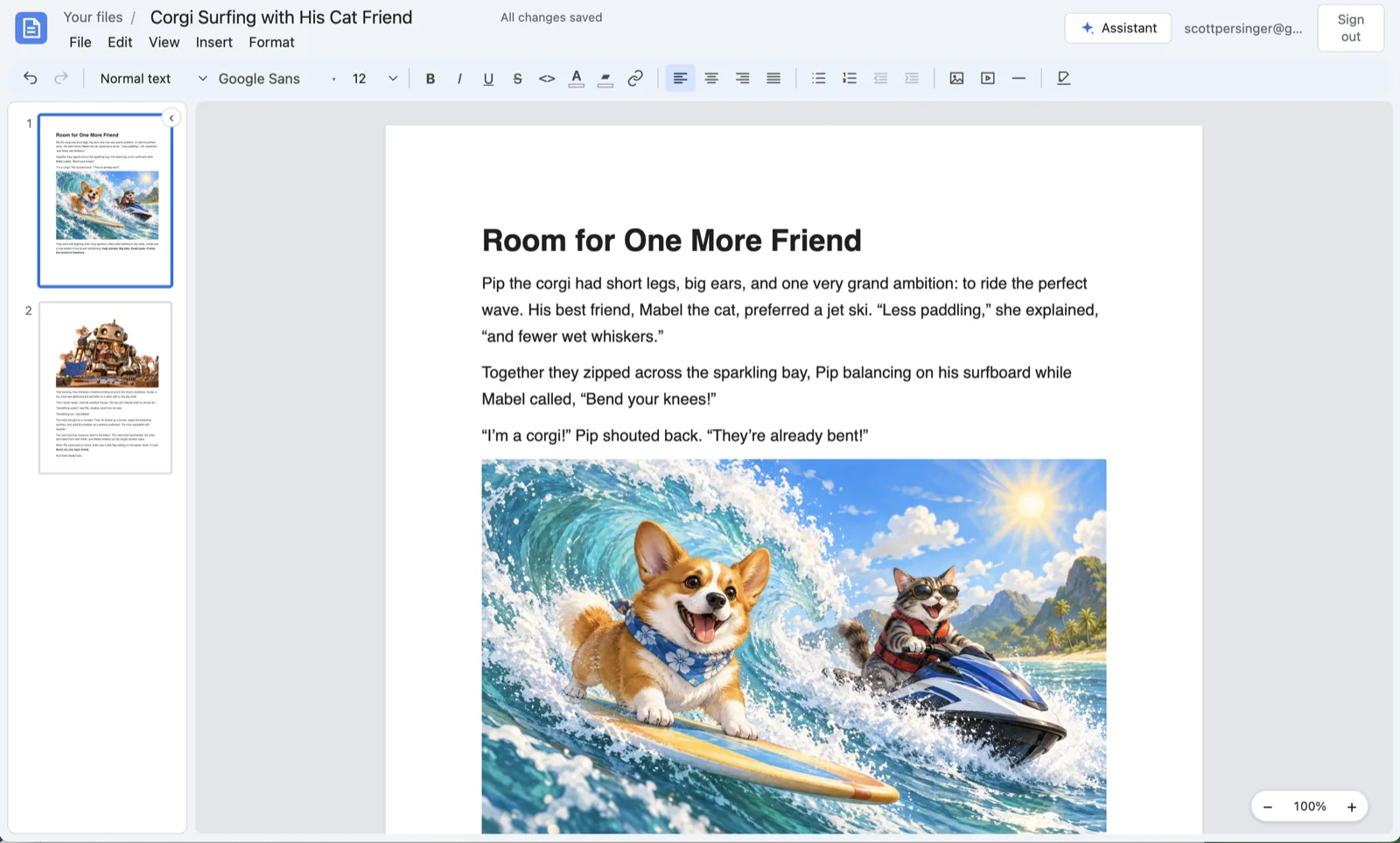
- Open and save Word files. Headings, paragraphs, lists, links, pictures, page breaks, fonts, colors and page setup are read from the
.docxfile and written back to it. In the desktop app the file in your folder stays a Word file; on the web, download it as one at any time. - Format text. Title and subtitle, three levels of headings, quotes, code, bulleted and numbered lists, fonts, sizes, colors and highlighting.
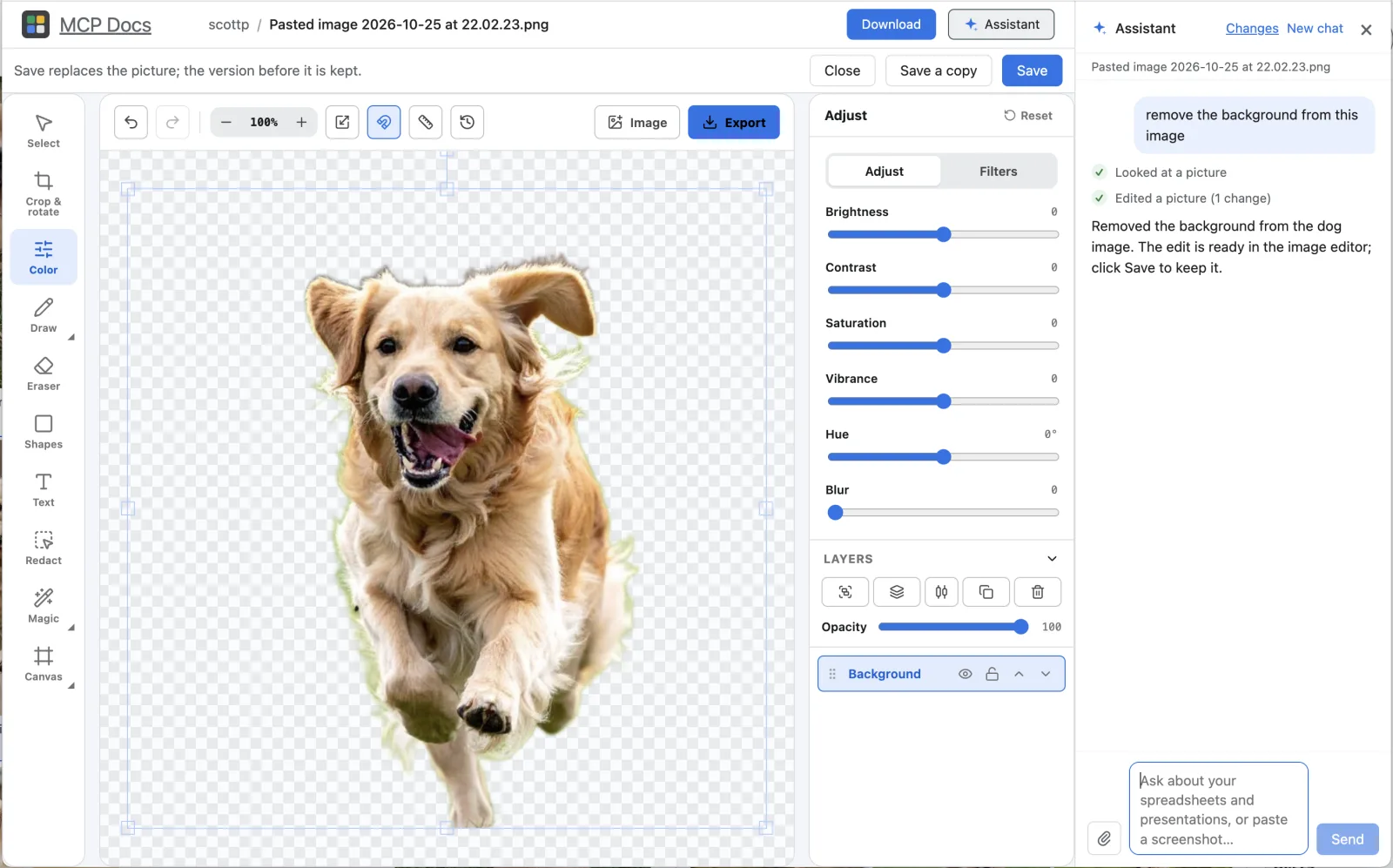
- Pictures and video. Add pictures, size and align them, and edit them in place with the image editor. Add a video file or a YouTube video that plays right in the document.
- Page setup and print. Letter, Legal and A4 paper, margins, and download as PDF.
- Find and undo. Find text in the document, and undo any change, yours or the agent's.
Work on a document with your agent
Ask the assistant beside the document in plain words:
- "Draft an introduction from these notes."
- "Make every section heading a Heading 2 and fix the numbering."
- "Shorten the second half by a third, keeping the examples."
- "Add a picture of the product after the first paragraph."
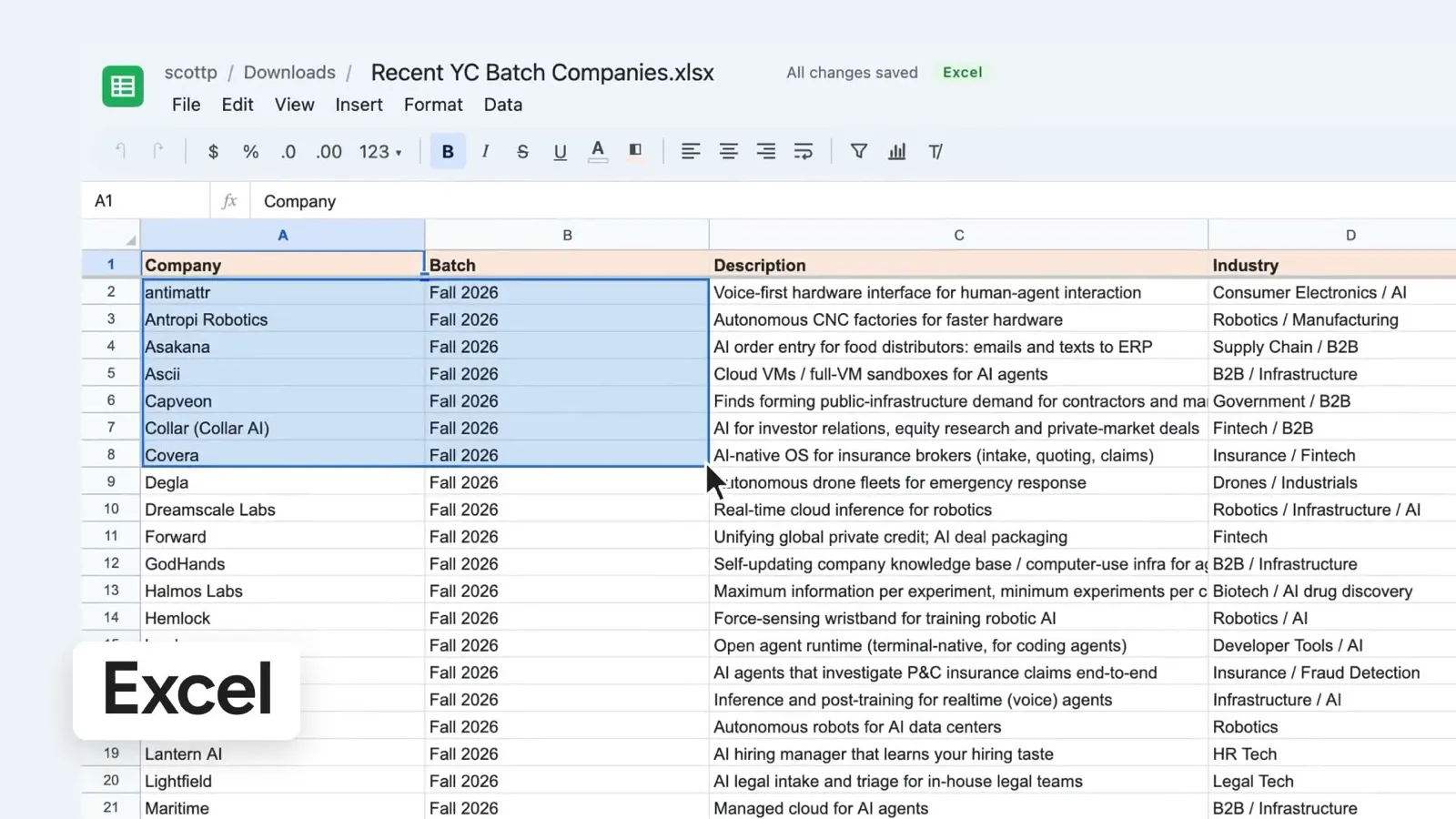
The agent reads the document as numbered blocks, so it can change one paragraph without rewriting the rest, and each edit is a step you can undo. In the desktop app the same tools are an MCP server on your machine, so an agent you already use can write in your Word files:
npx @freeflow-im/mcp-docs
Frequently asked questions
Can I open documents from Word and Google Docs?
Yes, as a Word (.docx) file; Google Docs and Pages can both export one. In the desktop app, a file that holds something MCP Docs cannot keep, such as a table or comments, opens read-only and lists what would be lost, so you choose before anything in it changes.
Does the agent rewrite the whole document?
No. It reads the document block by block and changes only the blocks it means to: a paragraph, a heading, a list, or a few words inside one.
Which AI models can edit my documents?
The built-in assistant runs on Claude, or on your own Anthropic, OpenAI or OpenRouter key. In the desktop app it can also run on the Claude Code you already have. Over MCP, any agent you connect can edit them.
Is it free?
Yes. MCP Docs is free and open source, for Macs with Apple silicon and 64-bit Windows, and in beta on the web.